
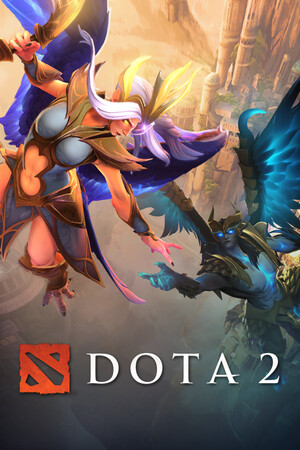
Dota 2
Cover art © its publisher, shown for identification and served by Steam
Artwork: Good Will Hunting · CC BY-SA 4.0 · Wikimedia Commons ↗
Default
Source: Dota2 wiki on Fandom, CC BY-SA 3.0 · Up to date as of 04.08.2026
Imported automatically A machine read this scheme off an external page, so it can be inaccurate, incomplete, or cover only a part of the controls. If you know how it really works, we would be very grateful for your own version, and our tools make it quick: clone another scheme, start from a genre template, or let us read it off your screenshots.
Unit Controls
| Select unit | |
| Box select | hold |
| Add to selection | + |
| Move order | |
| Attack order | |
| Follow order | |
| Queue order | + |
| Order highlighted unit | Ctrl + |
| Deselect unit | Esc |
Shop
| Purchase item | |
| Show related items | |
| Ping intend to purchase | Alt + |
| Suggest item purchase | Ctrl + Alt + |
| Add to Quickbuy | + |
| Append to Quickbuy | Ctrl + + |
| Ping gold needed for item | Alt + |
| Ping gold needed for item and buyback | Ctrl + Alt + |
Camera
| Camera grip | hold |
| Move camera | ↑ W A S D ← ↓ → |
Communication
| Ping item | Alt + |
| Ping TP scroll slot | Alt + |
| Ping ability | Alt + |
| Ping missing hero | Alt + |
| Ping returned hero | Ctrl + Alt + |
| Ping respawn time | Alt + |
| Ping health and mana | Alt + |
| Ping raw health and mana | Ctrl + Alt + |
| Ping buff or debuff | Alt + |
| Ping own respawn time | Alt + |
| Ping buyback status | Alt + |
| Ping Glyph status | Alt + |
| Suggest not using Glyph | Ctrl + Alt + |
| Ping game time | Alt + |
Inventory
| Show item options | |
| Use item | |
| Ping item status | Alt + |
| Ping stored rune | Alt + |
| Give ward to hero | Ctrl + |
Know a better scheme? Add your own version.
Sign in to add a scheme