
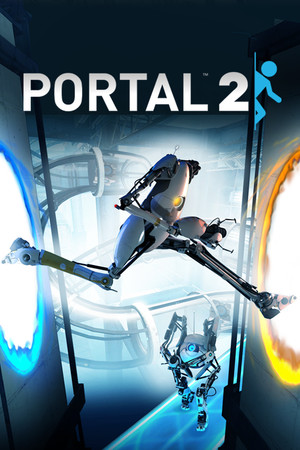
Portal 2
Cover art © its publisher, shown for identification and served by Steam
Artwork: Valve Corporation · Public domain · Wikimedia Commons ↗
Default
Source: StrategyWiki, CC BY-SA 4.0 · Up to date as of 06.08.2026
Imported automatically A machine read this scheme off an external page, so it can be inaccurate, incomplete, or cover only a part of the controls. If you know how it really works, we would be very grateful for your own version, and our tools make it quick: clone another scheme, start from a genre template, or let us read it off your screenshots.
Movement
| Move | ↑ W A S D ← ↓ → |
| Jump | |
| Crouch | Ctrl |
Co-op
| Partner View | |
| Quick Ping | F |
| Ping Menu | hold F |
| Gesture Menu | Q |
| Push to Talk | C |
| Chat | T |
Actions
| Fire Primary Portal | |
| Fire Secondary Portal | |
| Use | E |
| Zoom |
Miscellaneous
| Take Screenshot | F5 |
| Quick Save | F6 |
| Quick Load | F7 |
| Pause | Pause |
| Toggle Developer Console | ` |
| Swap Split-Screen Control | R |
| Menu | Esc |
| Steam Overlay | + |
Know a better scheme? Add your own version.
Sign in to add a scheme